
Base defence
How to Lock Your Base in Merge a Nuke
Lock before every logoff — step-by-step with screenshots. Updated November 2026.
Quick Answer
Lock your base step by step
Screenshots from Rondoblox: Merge a Nuke gameplay tutorial. Step images are annotated gameplay stills for this guide — not official Roblox promotional art.
- 1
Click the lock icon in the top bar
The lock control sits in the top UI — tap or click it before you merge, raid, or log off. If the timer is not running, your stored cash is vulnerable to raids.
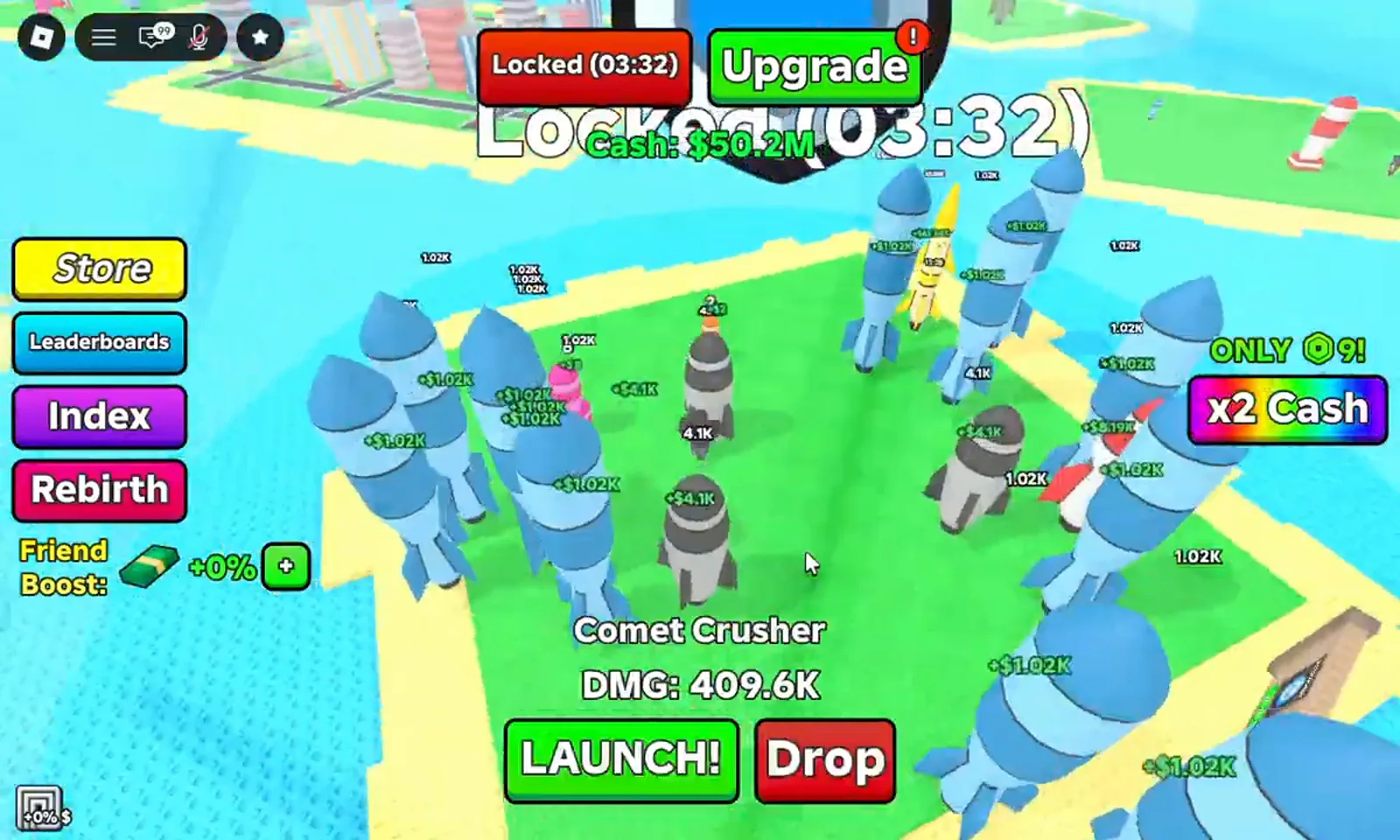
The top-bar lock is the fastest check — run it before every break.Watch at 0:20 - 2
Confirm your plot shows protected on the map
Open the map view and verify your base displays as protected. If you are about to log off, re-check the lock after your last raid — raiding does not auto-lock you.
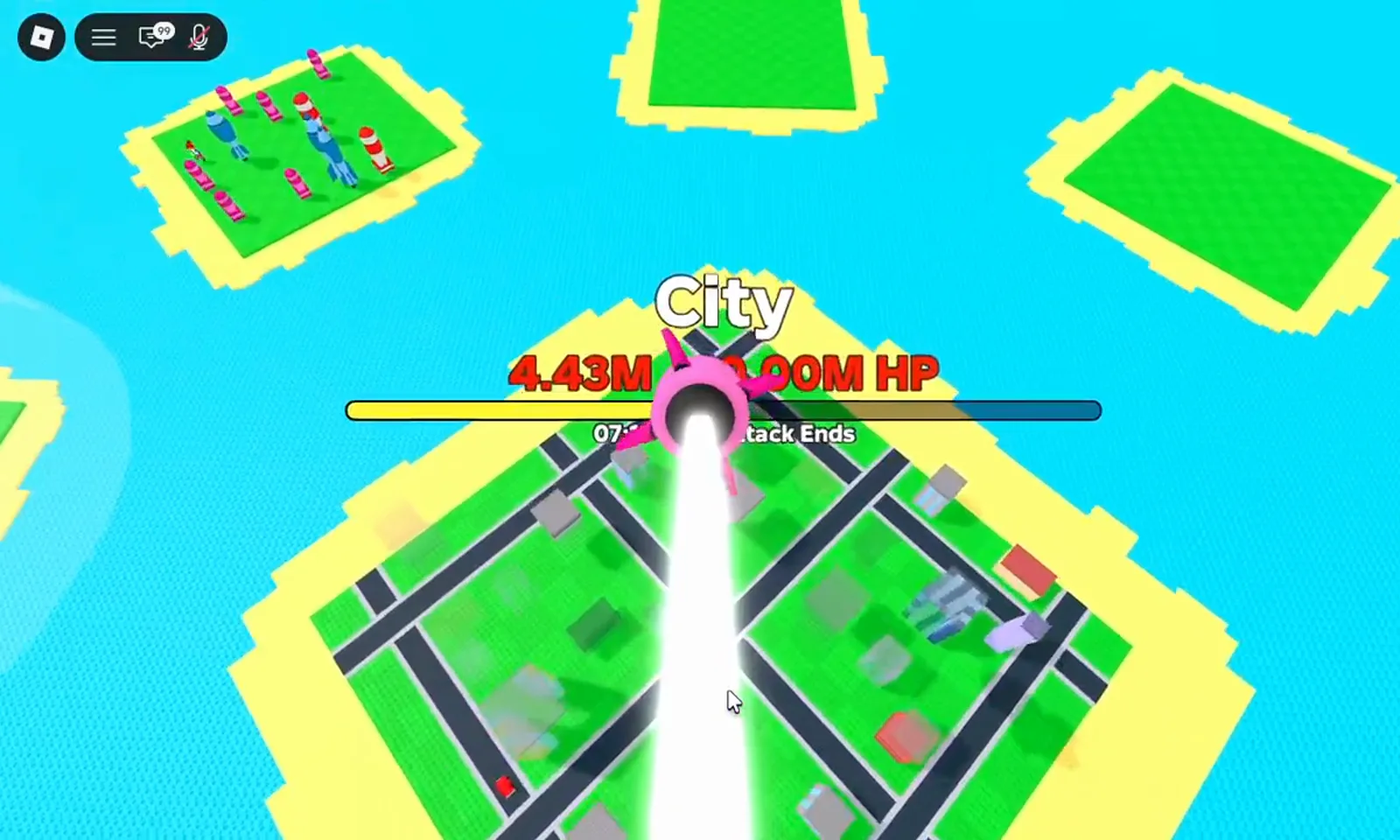
Map view confirms protection from a distance — useful before a long offline session.Watch at 2:20
Upgrade lock duration
Lock Base is one of the three core upgrades alongside Spawn Tier and Max Spawn. Each level lengthens how long your plot stays protected. Prioritize it once you are earning meaningful offline cash — see our Offline Earnings guide for the full pre-logout checklist.
More defence & progression guides
Locking is one piece of base defence. Pair it with these guides:
- Rebirth Guide — permanent multipliers that make each session more valuable.
- Allies Warfare — how war mechanics affect your base.
- Destroy a City — offensive guide to balance your defence.
Frequently Asked Questions
What happens if I forget to lock my base in Merge a Nuke?
Other players can raid your base and steal a portion of your stored cash. Locking does not boost income, but an unlocked base effectively wipes offline earnings if you get hit.
How do I upgrade lock duration in Merge a Nuke?
Buy Lock Base upgrades in the shop. Each level extends how long protection lasts — prioritize it once passive income matters more than your next merge.
Does locking prevent all raids?
Locked bases cannot be raided for stored cash. You still need to lock again after raiding someone else — launching nukes does not keep your own base protected.
Can you lock your base while raiding someone else?
Yes — locking is independent of raiding. Lock before you launch, and lock again after you return. Raiding does not auto-protect your own plot, so an unlocked base is vulnerable while you are away.
How long does base lock last in Merge a Nuke?
Lock duration depends on your Lock Base upgrade level. Each shop level extends protection time. The exact minutes per level are Pending — check the shop tooltip in-game for the current value.
Is locking worth it if I only play a few minutes a day?
Yes. Even short sessions benefit from locking — a single raid on an unlocked base can wipe the cash you earned in prior sessions. Make locking a habit before every logoff.
Does Lock Base protect against Allies Warfare raids?
Lock Base protects stored cash from all raid types, including Allies Warfare. See our Allies Warfare page for the full breakdown of war mechanics and defense tips.
Related Guides
Offline Earnings
Full pre-logout checklist and income tables
Raid Guide
Why raiders target unlocked bases
Beginner Guide
Lock habit from your first session
Shop Availability
Current game-pass prices and sale status
Rebirth Fast
Lock before and after resetting
Income Calculator
See what you lose if raided offline