
Codes guide
How to Get Nuclear Waste in Merge a Nuke
Redeem the DELAY code in the Store's Codes box for 300 Nuclear Waste — the only confirmed Nuclear Waste source right now. Updated November 2026.
Quick Answer
Redeem the DELAY code, step by step
Screenshots from EdgedSwordHD: *NEW CODES* ALL WORKING CODES FOR MERGE A NUKE IN SEPTEMBER 2026! ROBLOX MERGE A NUKE CODES. Step images are annotated gameplay stills for this guide — not official Roblox promotional art.
- 1
Open the Store and scroll to the Codes box
Code redemption lives inside the Store, not a separate menu. Click the Store button on the left side of your screen, then scroll the Store panel all the way down until the CODES section appears. The zoomed view here is that exact box: a CODES header, a note that admin abuses and community-server codes drop every update, and an empty Enter Code... field waiting for input.
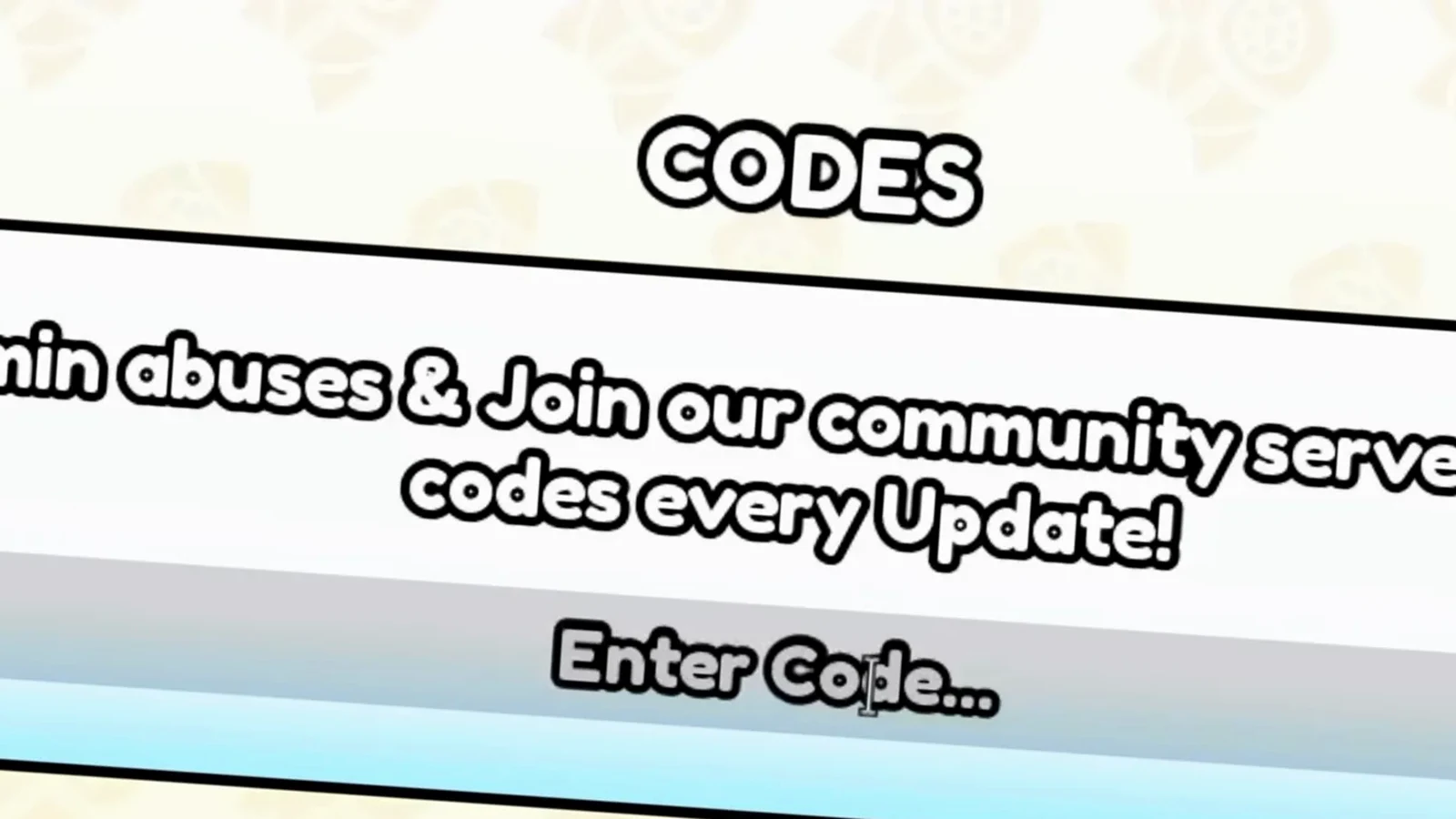
The CODES box sits at the bottom of the Store panel.Watch at 0:55 - 2
Type DELAY one letter at a time
Codes in this game are case-sensitive, so type rather than paste — a trailing space or a lowercase letter is enough to fail. The video types the Nuclear Waste code character by character; this frame catches it at DEL, three letters into DELAY.
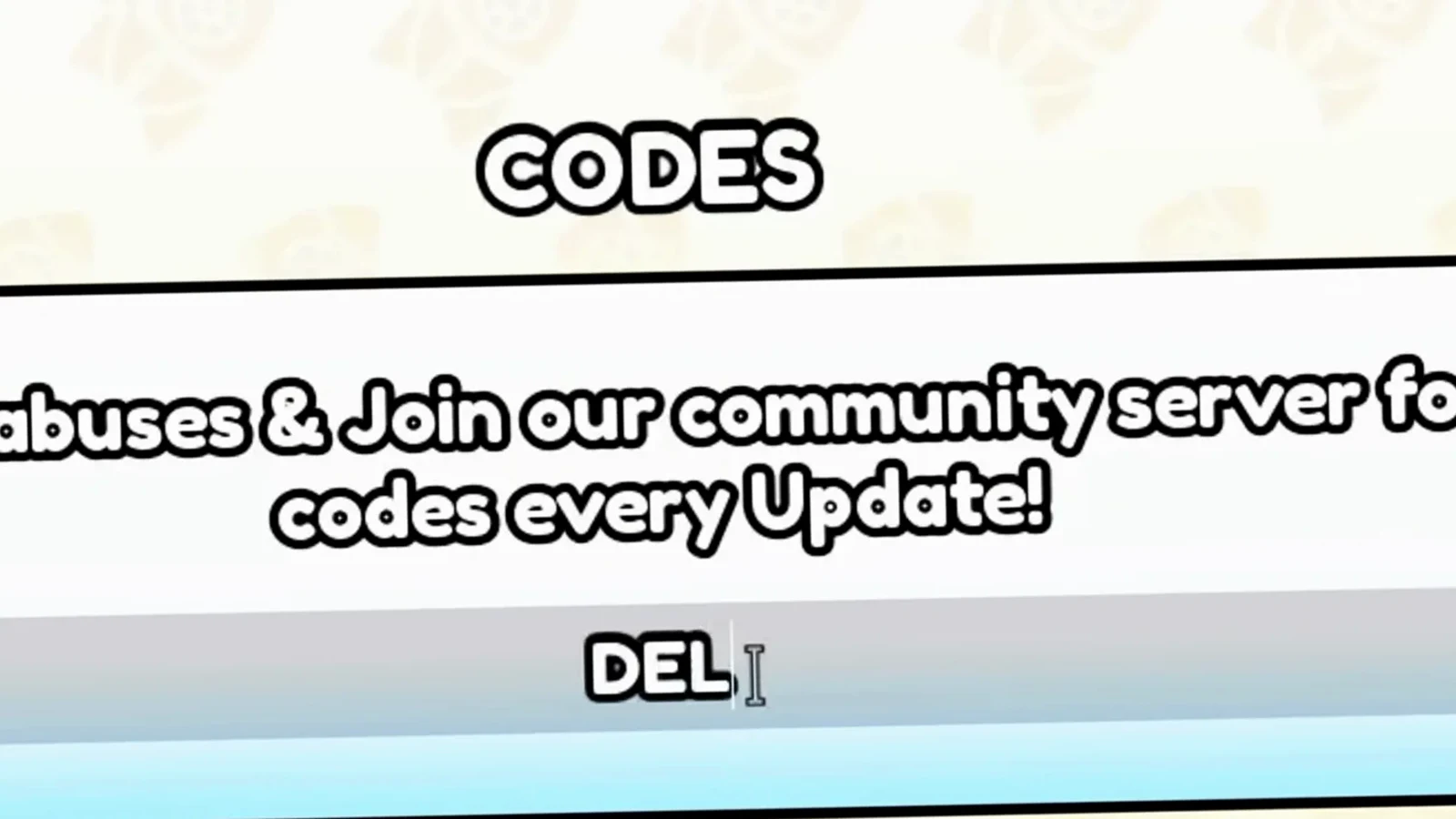
Three letters in — the code is typed, not pasted, to avoid stray spaces.Watch at 1:03 - 3
Finish the full DELAY code
The completed code reads DELAY in the input line. Check the spelling against this frame before you submit: the code was added on 2026-08-22 and was still listed as active by every tracker we cross-check at the September verification. If it ever stops working, it will have been retired on a Saturday patch.
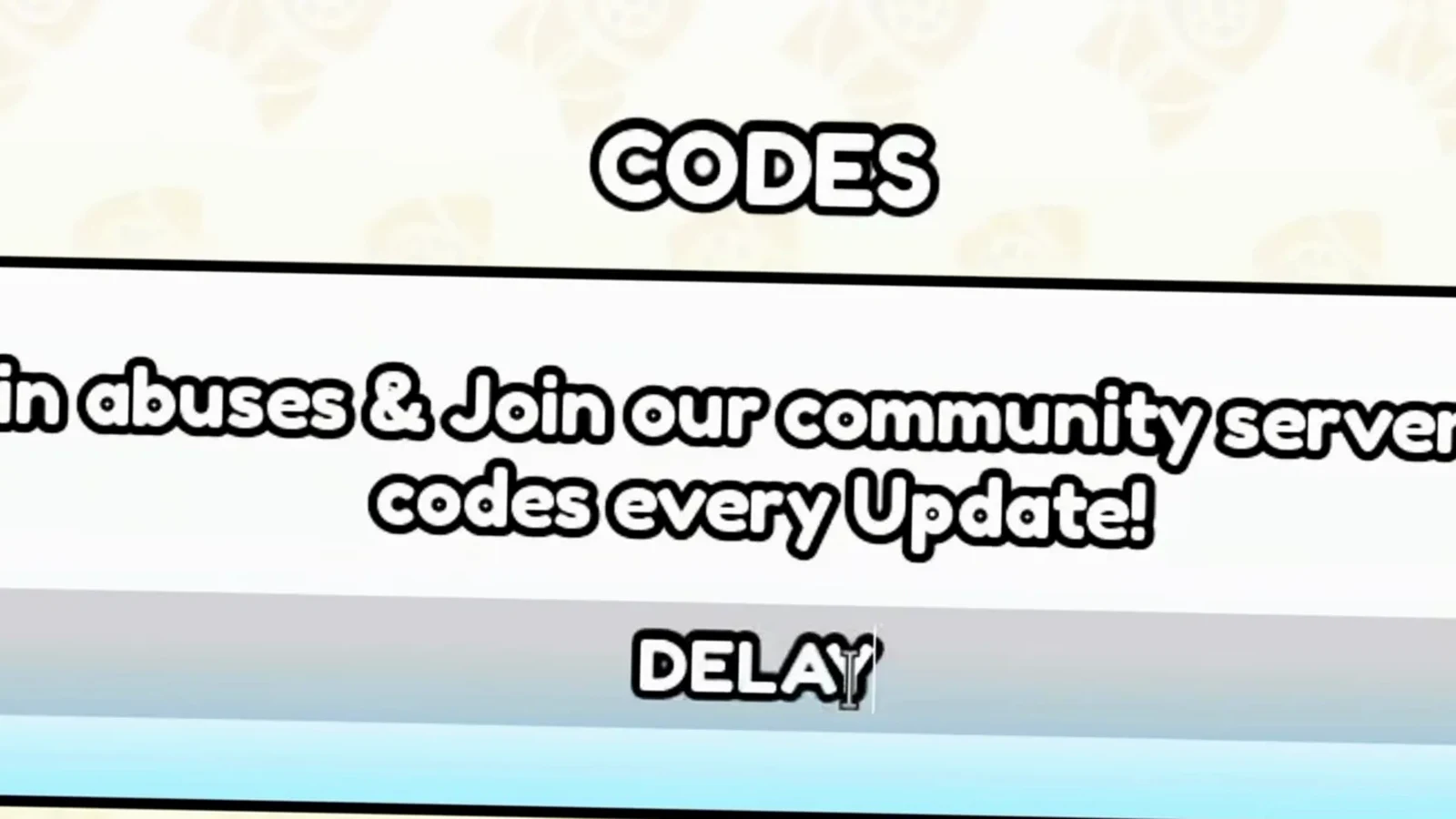
DELAY is the confirmed Nuclear Waste code as of the September 2026 check.Watch at 1:06 - 4
Redeem and watch for Code Accepted!
Submit the code and the panel confirms it in the same line: Code Accepted!. That message is the game's receipt for a valid redemption — the walkthrough video holds on it for several seconds. The amount the code pays is not shown in this popup; per the code trackers we cross-check, DELAY pays 300 Nuclear Waste.
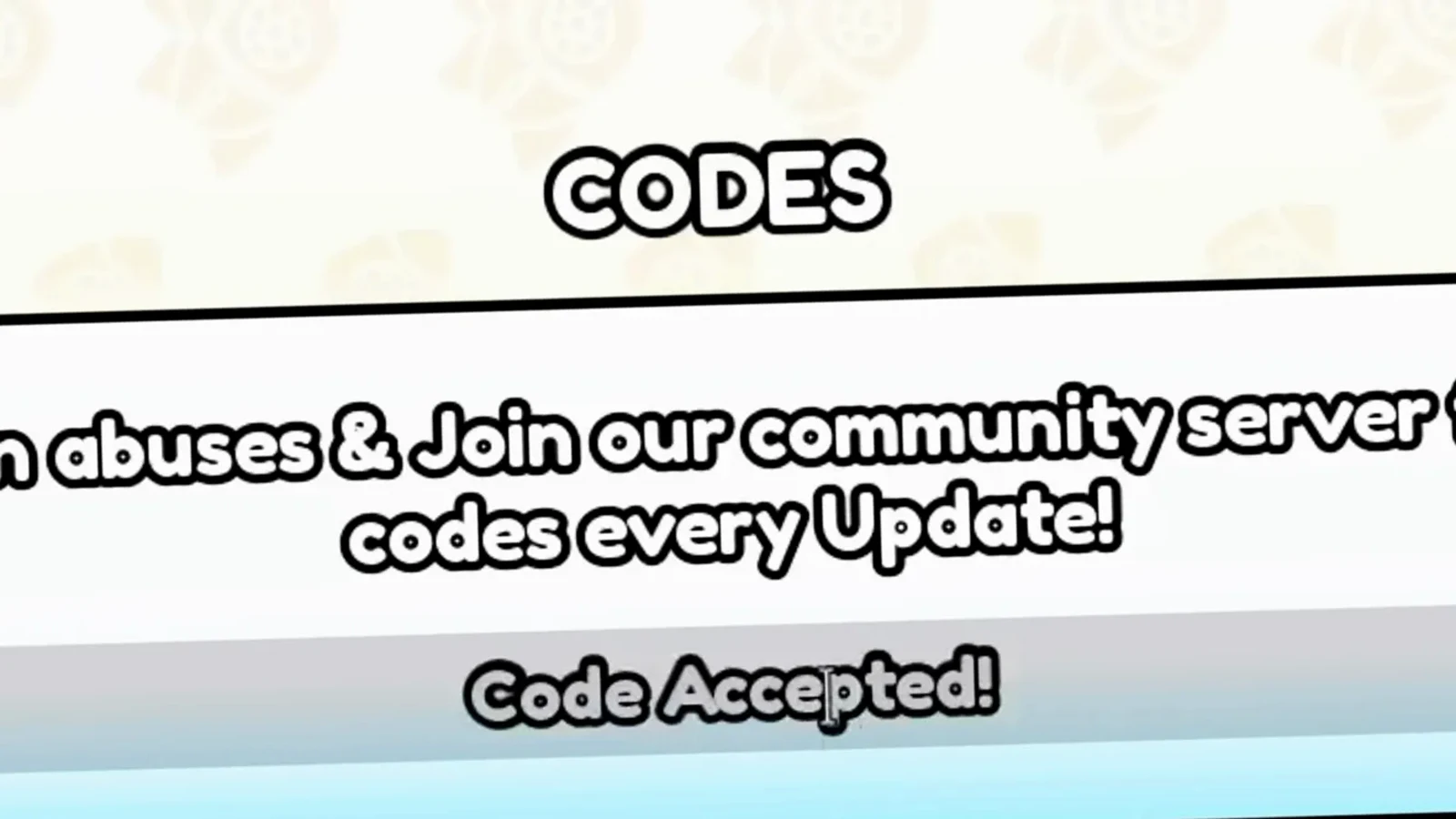
Code Accepted! is the on-screen receipt — the 300 Nuclear Waste amount comes from the trackers.Watch at 1:14 - 5
The box clears and is ready for the next code
After a successful redemption the input resets to Enter Code... with no reload needed. You can chain straight into the next code — the video immediately starts typing another one. Redeem every working code the weekend it drops, because codes usually rotate on Saturday patches.
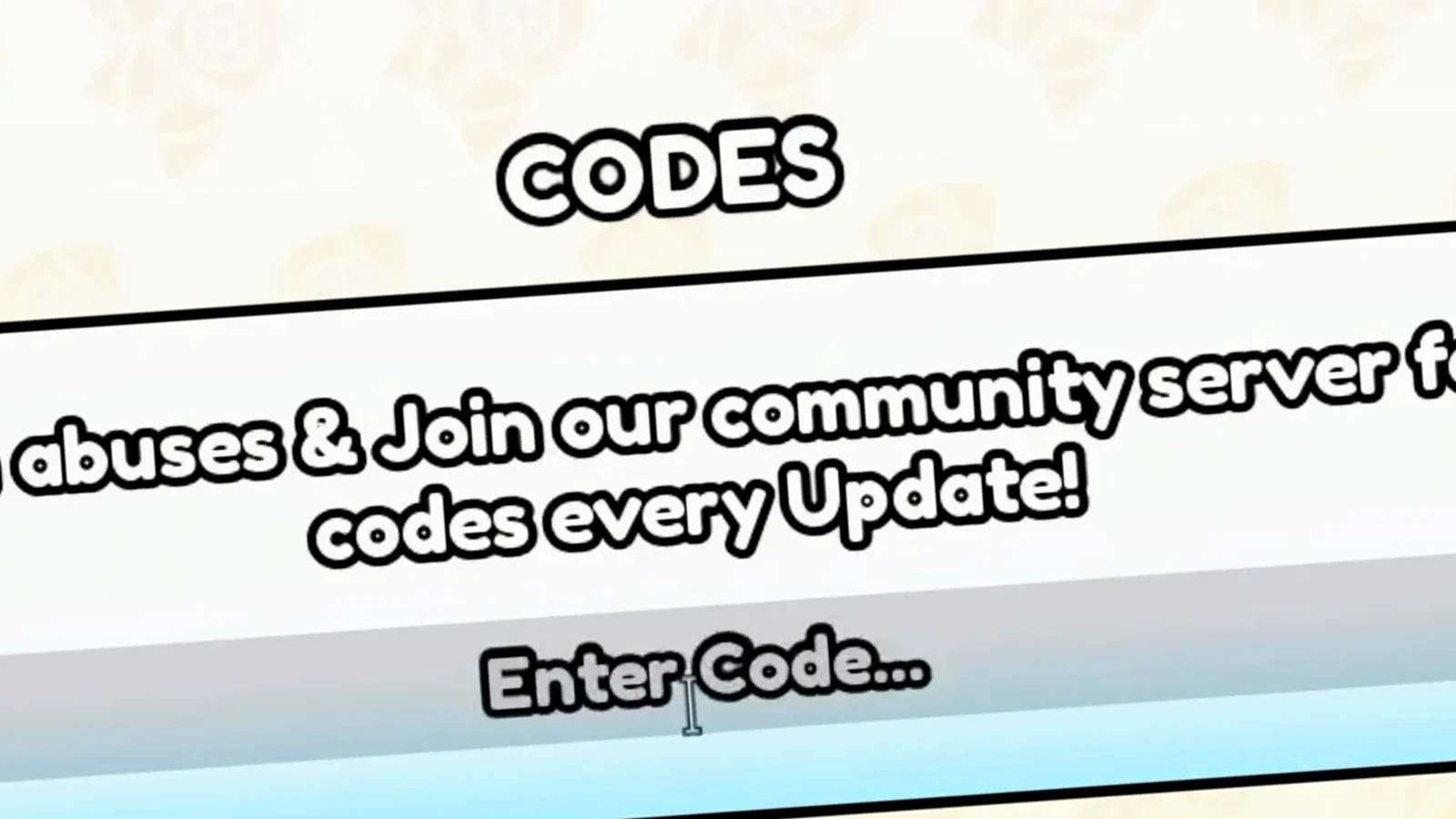
No reload needed — the cleared box is ready for the next code.Watch at 1:28 - 6
Try BOOM for cash while you are there
Not every code pays Nuclear Waste. The next one the video redeems is BOOM, which the trackers list as a confirmed $5,000 Cash reward. Cash codes stack with your normal income; Nuclear Waste stays a separate currency. Other older codes like MAGMA, ATOMIC and UPDATE2 are disputed — some trackers still list them, others have retired them.
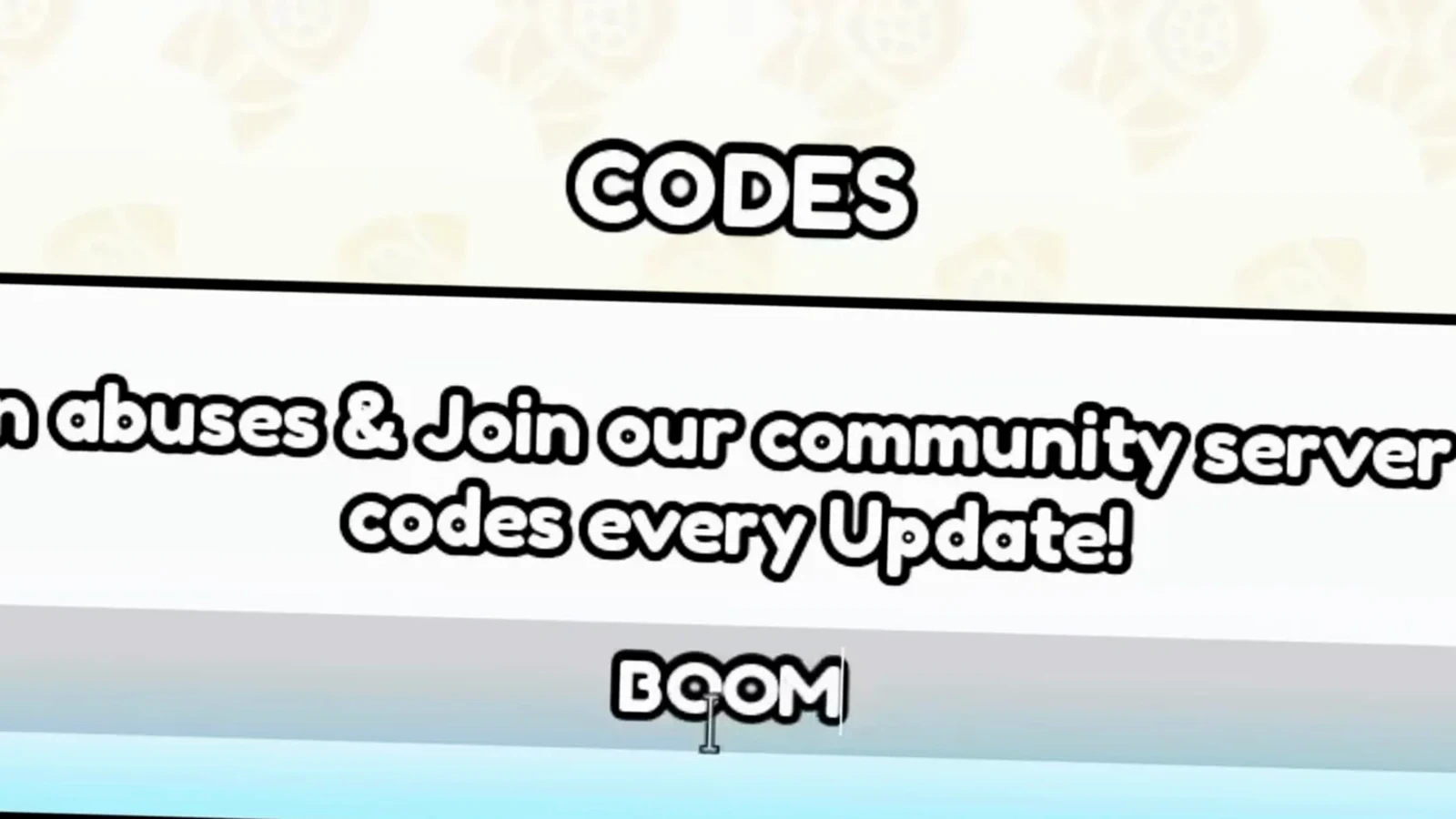
BOOM is a confirmed cash code — $5,000, separate from Nuclear Waste.Watch at 1:35 - 7
Already Redeemed! means the code is used up
If the panel answers Already Redeemed! instead, that code has already been claimed on this account — each code works once per player. Nothing is broken and nothing is lost; move on to the next code. This is also why redeeming a new code the weekend it drops matters: you cannot back-claim one you missed.
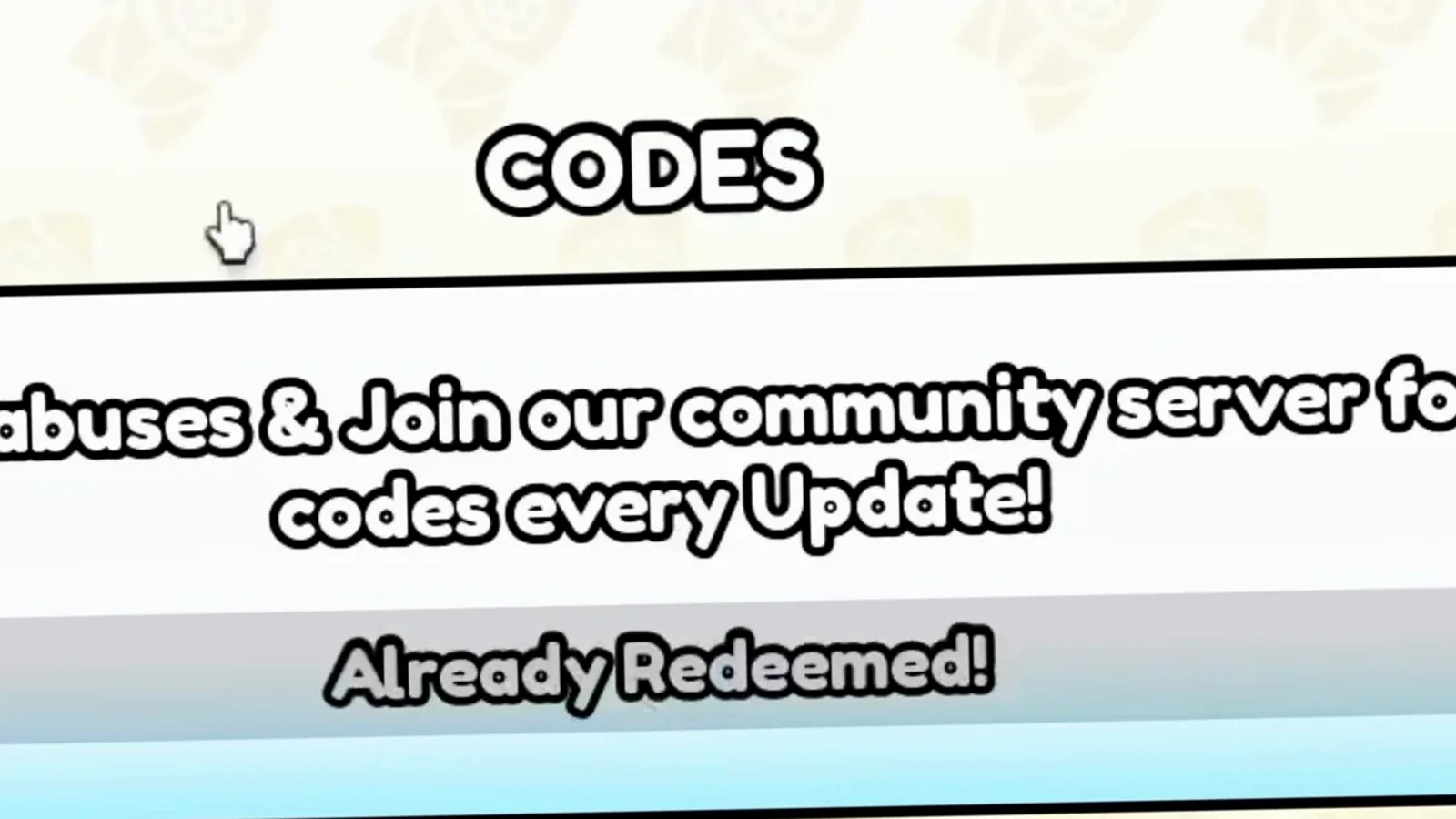
One code, one account — a repeat attempt answers Already Redeemed!.Watch at 1:45 - 8
Wait for a use for your Nuclear Waste
What Nuclear Waste will actually be spent on is Not published yet — the game does not currently surface a spend sink for it, and we will not invent shops or exchange rates. Bank your 300 from DELAY, watch the Saturday patches for either a spending outlet or a fresh Nuclear Waste code, and check our codes page for the live list.
How Nuclear Waste rewards actually work
Every reward in the game arrives through the same small panel: the CODES box at the bottom of the Store. Type a code exactly as written — the field is case-sensitive — press Redeem, and the same input line becomes the receipt: Code Accepted! for a fresh claim, Already Redeemed! for a used one. DELAY is the one confirmed Nuclear Waste code (300 Nuclear Waste, added 2026-08-22, still active at the 2026-09-09 cross-check), while cash codes like BOOM ($5,000) sit alongside it. Nuclear Waste is not cash and currently has no published spending sink, so the practical play is to claim it and hold it until an update gives it a purpose. Codes usually rotate on Saturday patches, which is when new Nuclear Waste codes would appear.
- All working Merge a Nuke codes — The full verified list with active, disputed and expired statuses.
- Raid codes — Code rewards aimed at raid-ready nukes.
- Saturday updates — New codes drop with the weekly patch — including any new Nuclear Waste sources.
Use your rewards well
Nuclear Waste is banked and the cash codes are claimed — point the rest of your rewards at progression.
- How to get more cash fast — Turn cash-code rewards like BOOM into real income.
- Best nuke in the game — Where free cash from codes is best spent.
- How to get good at Merge a Nuke — The progression habits that make every code reward count.
Frequently Asked Questions
What is the code for Nuclear Waste in Merge a Nuke?
DELAY. It pays 300 Nuclear Waste and was added on 2026-08-22. PCGamesN, Pocket Tactics and Beebom all still listed it as active at our 2026-09-09 verification. Type it exactly like that — codes are case-sensitive.
Where do I enter codes in Merge a Nuke?
Click the Store button on the left side of the screen, scroll the Store panel to the bottom, and type the code into the Enter Code box under the CODES heading, then click Redeem. The video walkthrough above shows the whole flow inside that box.
Do any other Merge a Nuke codes give Nuclear Waste?
DELAY is the only confirmed Nuclear Waste code right now. BOOM pays $5,000 Cash, and MAGMA, ATOMIC and UPDATE2 are older codes with disputed status — trackers disagree on whether they still work. None of them list a Nuclear Waste reward.
Why does Merge a Nuke say Already Redeemed when I type a code?
Because that code has already been claimed on your account. Every code works exactly once per player, so an Already Redeemed! message is final — it is not a bug and retrying will not change it. Use a different code.
What is Nuclear Waste used for in Merge a Nuke?
Not published yet. Nuclear Waste is a newer reward currency that is not paid out as cash, and the game does not currently show a shop or sink that spends it. We keep this answer Pending until the game actually ships a use for it.
Is Nuclear Waste the same as cash in Merge a Nuke?
No. Cash is the main currency that buys upgrades and nukes; Nuclear Waste is a separate, newer reward currency that only comes from redeem codes right now. A Nuclear Waste reward never adds to your cash total.
Related Guides
All Working Merge a Nuke Codes
The full verified code list with active, disputed and expired statuses.
Best Nuke in the Game
Where the free cash from codes is best spent.
How to Get More Cash Fast
Turn cash-code rewards like BOOM into real income.
Saturday Updates
New codes drop with the weekly patch — including new Nuclear Waste sources.